Open Multiple Yahoo Messenger Windows on a Single PC
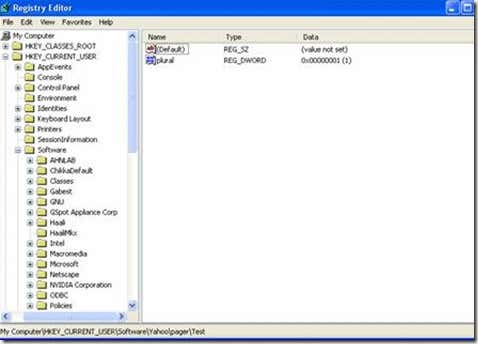
First you will need to access the registry editor to change the features of YahooMessenger.
For this you need to click on the Start button, go to run and type regedit in the box andpress OK. Then you get this page.
From the registry editor locate HKEY_CURRENT _USER folder and go to the folder of the software. Next, you should look for the Yahoo folder and click on the pager. Right click with your mouse and click on the DWORD option.
Change the value name in the plural, and you can choose the form of numbers one through three of the figure. And click on the OK button to save your changes
.
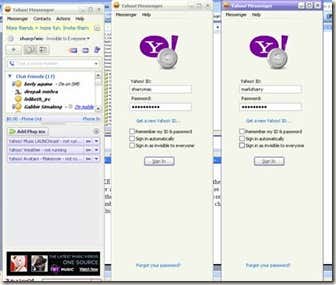
There you may now enjoy a multiple messenger. Enjoy chatting!

0 comments:
Post a Comment